The James Hoffmann V60
A 2:1 bloom, two main pours, and a gentle stir-and-swirl finish. The benchmark to come back to whenever you change beans.
Coffee30 g
Water500 g
Ratio1:16.7
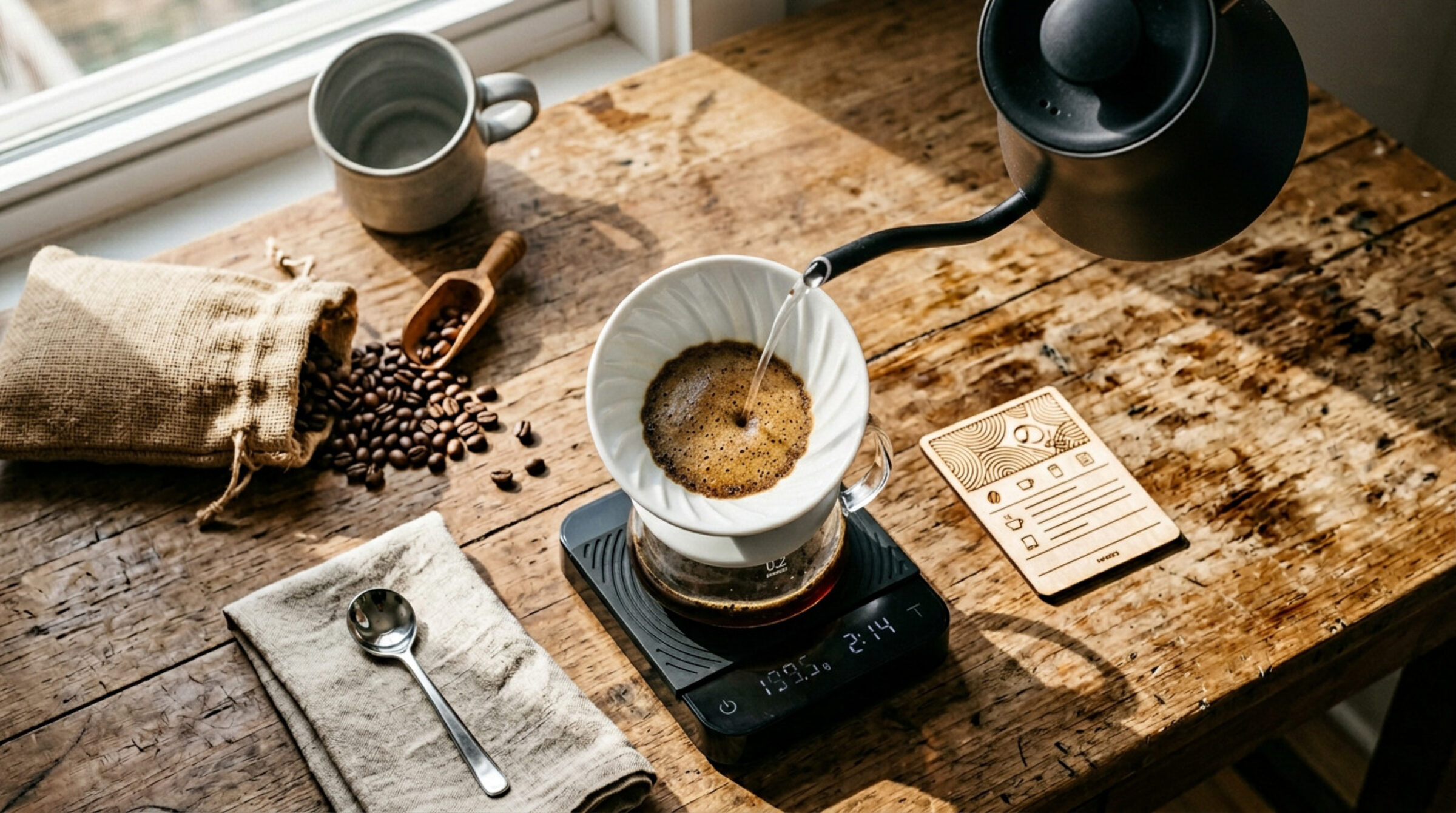
21 expert recipes across 7 brew methods — V60, AeroPress, Chemex, French Press, Kalita Wave, Clever Dripper, and Espresso. Phase-by-phase guidance, on-device Apple Intelligence insights, and a Watch app that actually keeps up.
Four pillars hold up every brew: a precise timer, an honest journal, on-device intelligence, and a wrist that's in sync with your kettle.
Bloom, pour, drawdown — each phase narrated with target weights and gentle haptics. Never lose your place mid-pour again.
Every brew auto-logged with method, ratio, temp, and time. Add a rating, a photo, and notes — export the whole thing to CSV whenever you like.
On-device AI watches your patterns and suggests tweaks — once you've logged a few brews. Nothing leaves the phone. No accounts, no analytics.
Full timer sync from the iPhone, Digital Crown for coffee weight, sound alerts with a mute toggle, complications, and offline brewing.
Each method ships with three carefully chosen default recipes — including the world-famous ones that actually deserve the hype.
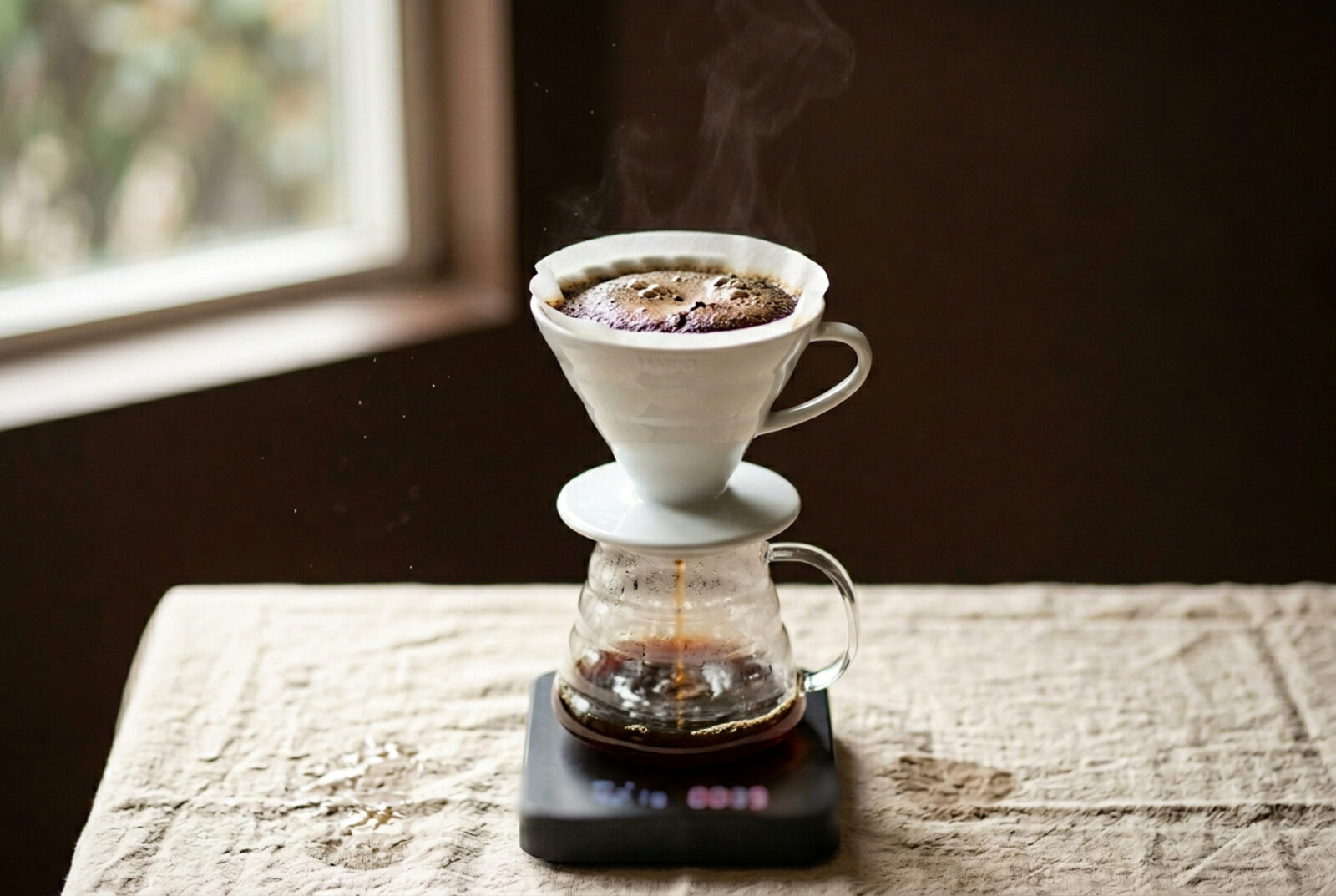
Clean, bright, articulate. Hoffmann, Tetsu Kasuya 4:6, and a Quick V60.
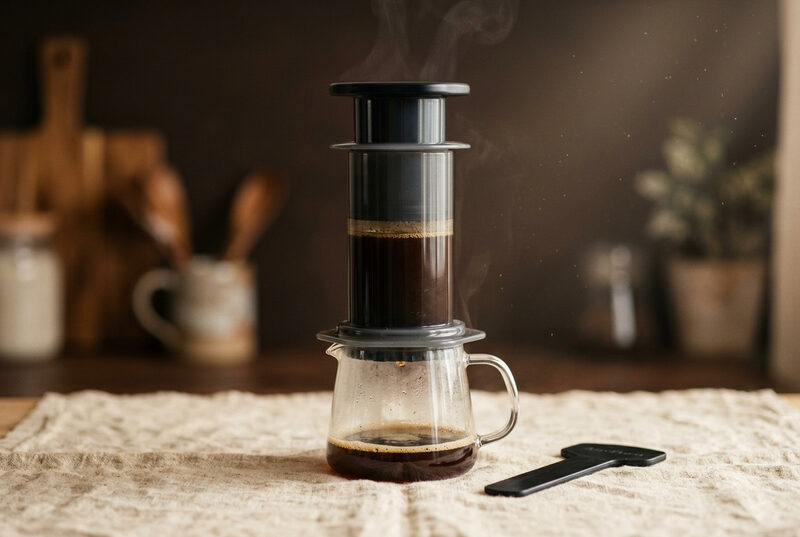
Standard, Inverted, Competition.
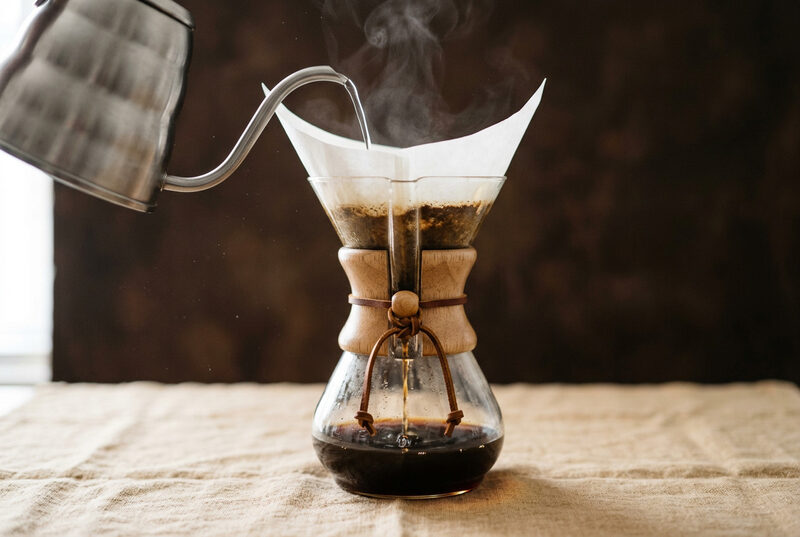
Classic, Quick, and an iced Japanese pour.
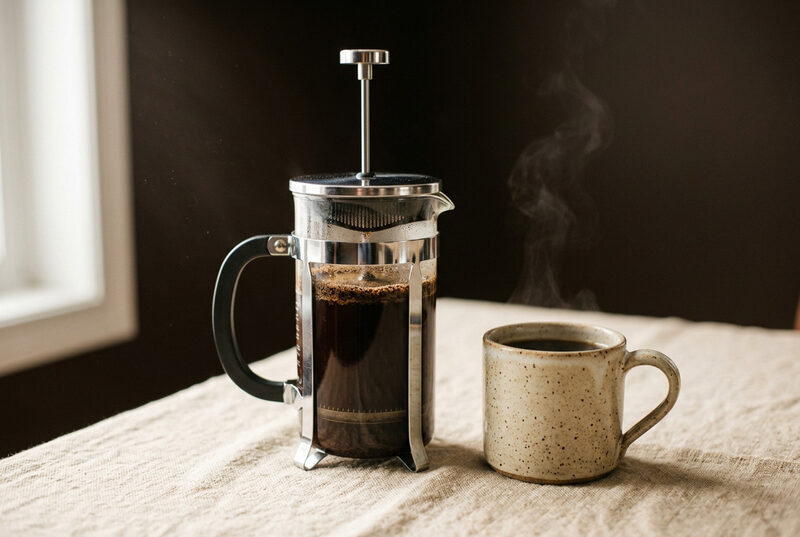
Traditional, Hoffmann no-plunge, Concentrated.
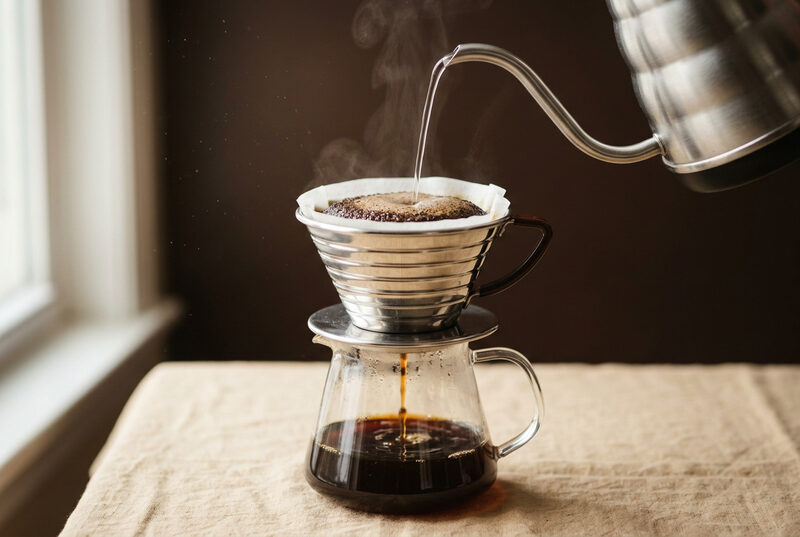
Standard, Quick, Strong.
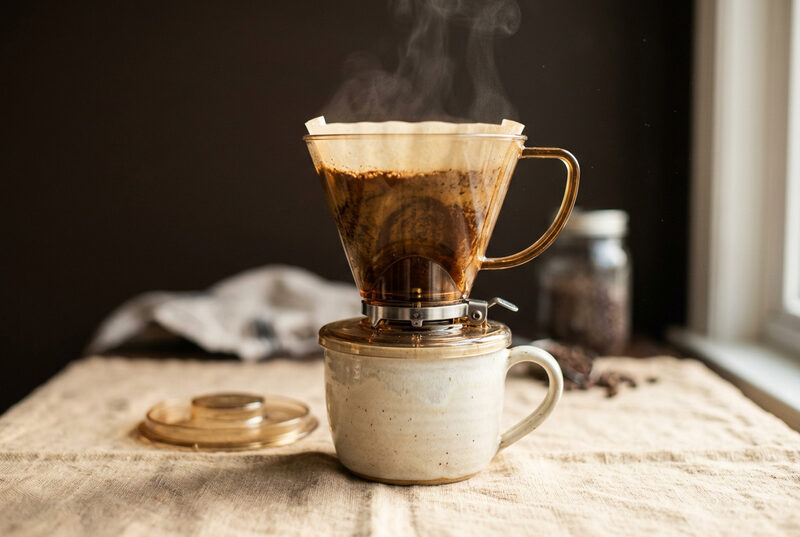
Standard, Long Steep, Quick.
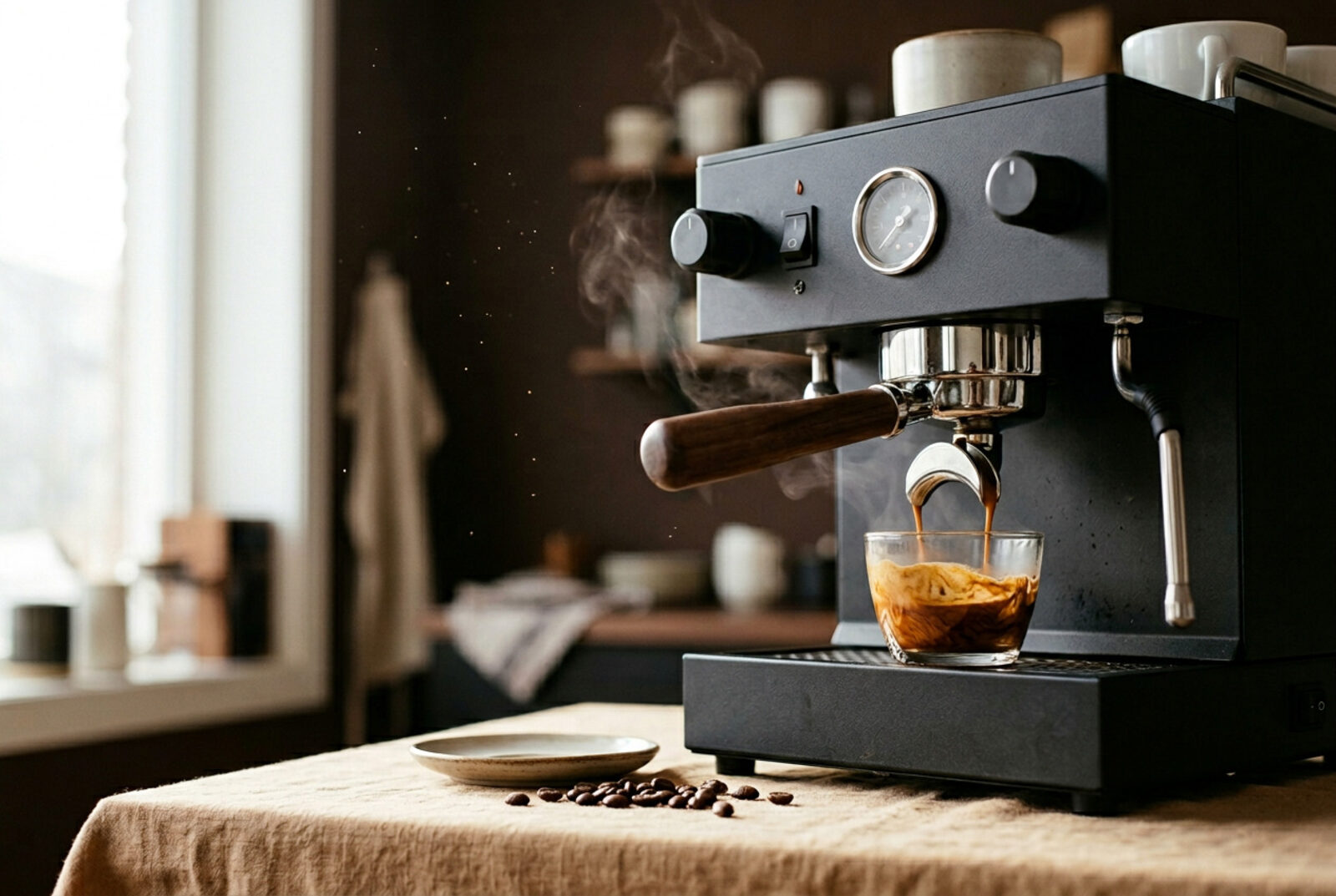
Standard double 18→36g, Ristretto 1:1.5, Lungo 1:3. Track yield and time.
Dial in your ratio, pour, and let the phased timer walk you through every step — with haptic nudges at each phase.
Three picks from the 21 defaults. Tap into the app for the full step-by-step.
A 2:1 bloom, two main pours, and a gentle stir-and-swirl finish. The benchmark to come back to whenever you change beans.
Authentic five pours: 50 g, 70 g, then 3× 60 g. Tune the first 40% for sweetness vs. acidity, the last 60% for strength.
Stir at four minutes, skim the crust, wait, then decant gently without pressing the plunger. Improbably clean for an immersion brew.
Track beans by roaster, origin, and process — washed, natural, honey, anaerobic, wet-hulled. Five roast levels, 29 flavor notes across six categories, and freshness tracking that knows the difference between resting, peak, good, and past prime.

Save your Comandante, Niche Zero, 1Zpresso — or anything else — by brand, type, burr, and size. Each grinder remembers separate click counts for filter and espresso, so you stop hunting for that scrap of paper next to the kettle.

Rebuilt from scratch with a simplified architecture so it stays in lockstep with the kettle. Brew offline, glance at complications, and get sound alerts when a phase ends — with a mute button when the kitchen's quiet.
Apple Intelligence works through your brew journal once you've logged three brews — looking for patterns in your ratios, ratings, and notes, and offering specific tweaks. It runs entirely on device. There's no account, no analytics, no upload.
Date, method, recipe, weights, ratio, water temp, and brew time — all logged the moment you finish. Add a 1–5 star rating, mark the extraction (under, balanced, over), drop in tasting notes, attach a photo. Once you have a few brews on file, the AI starts to chime in.
Download Coffee Brew Timer & Ratio for iPhone and Apple Watch. No account, no tracking, no nonsense.
Download on the App Store